
Free WordPress plugin / By Prajesh Ganatra
From marketing spreadsheet to WordPress drafts.
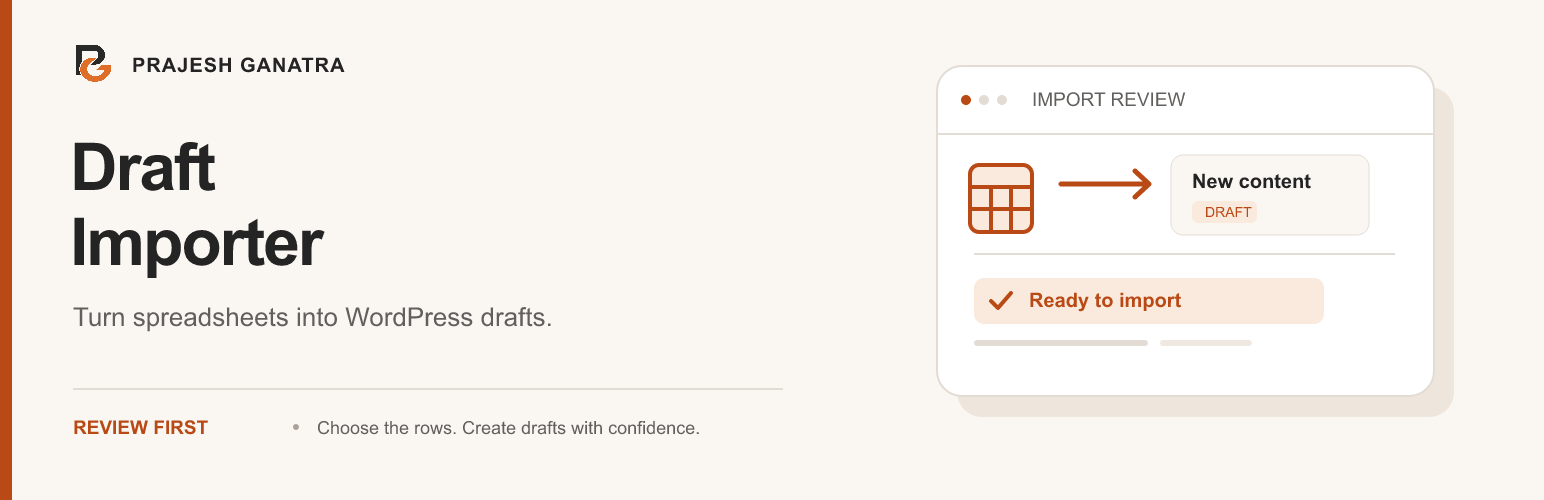
Turn a completed CSV or Excel spreadsheet into new WordPress drafts. Generate a template for your content type, review the rows, and choose what to import.
For content editors, marketing teams and agencies preparing batches of content.
A familiar problem
Built around the way
you manage content.
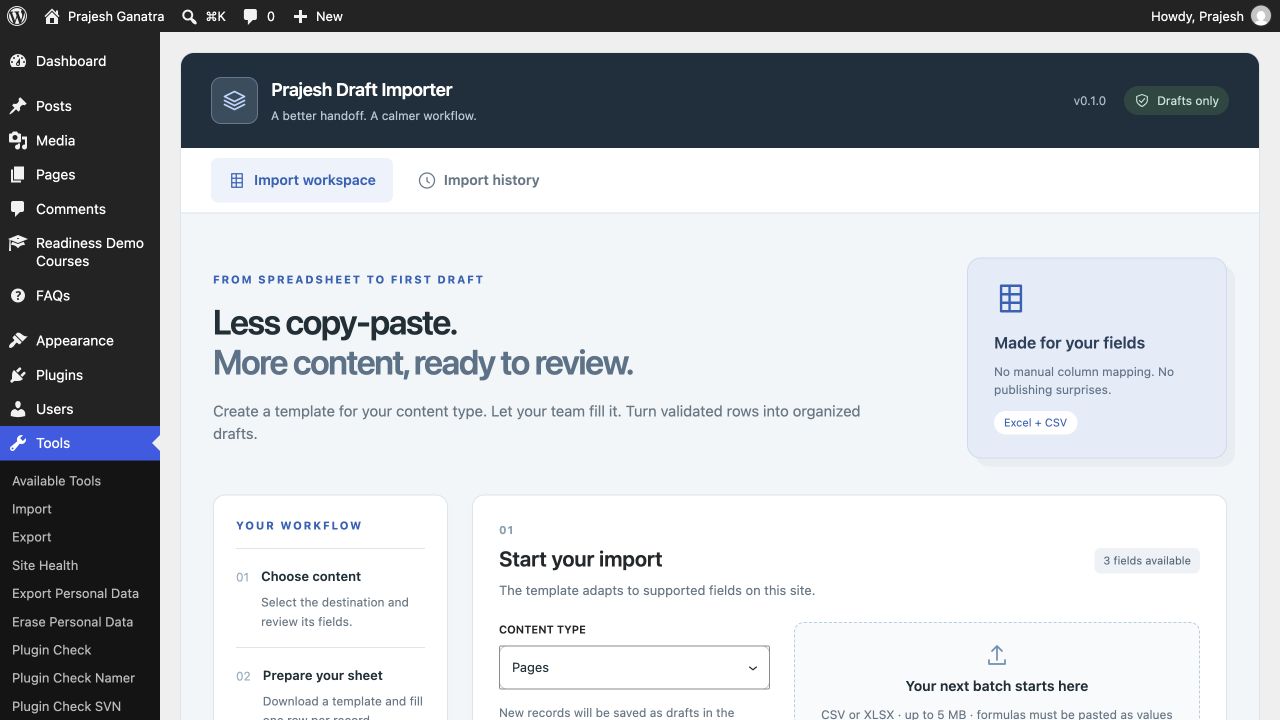
Moving content from a spreadsheet into WordPress one record at a time takes time. Start with a template that matches supported fields on your site, then review a whole batch before creating drafts.
- Generate CSV or Excel templates for Posts, Pages and eligible custom post types.
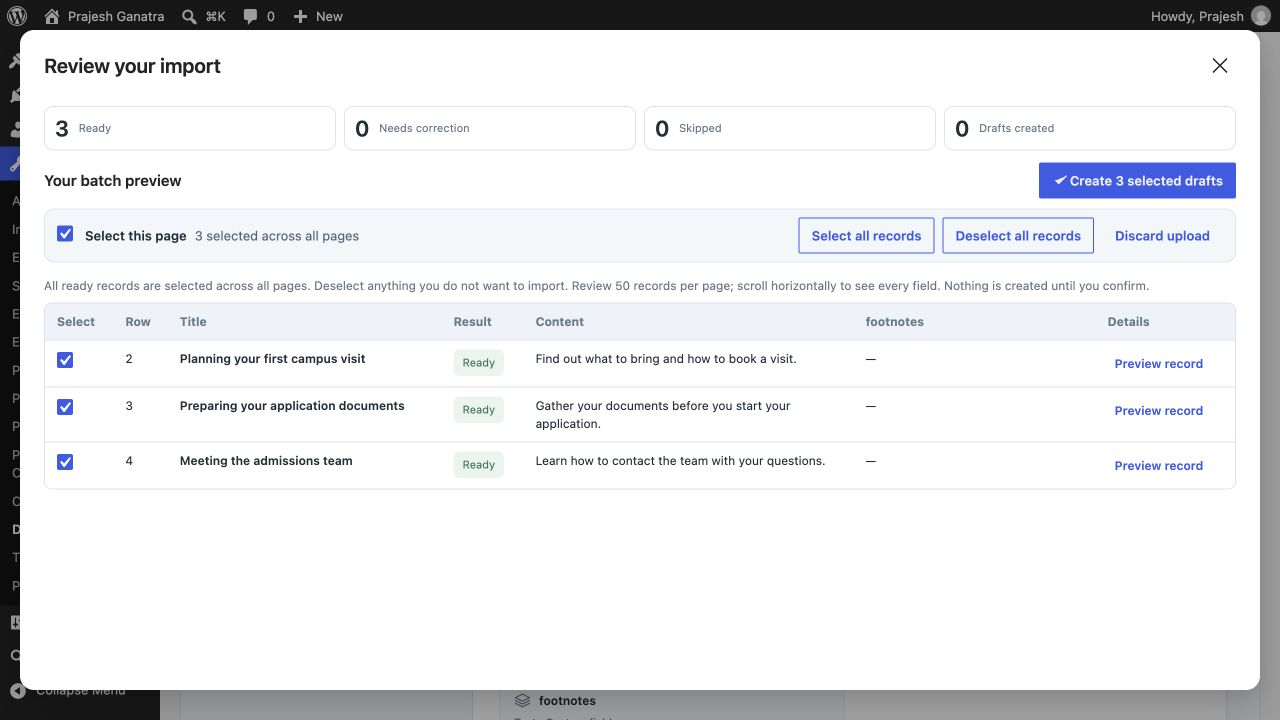
- Review a compact grid with 50 records per page and select or deselect rows in bulk.
- Create new drafts only, with automatic matching to help prevent identical repeat imports.
Getting started
A straightforward workflow.
- 01
Choose and prepare
Open Tools → Draft Importer, choose your content type and download its template. Fill the matching columns with your content.
- 02
Upload and review
Upload your CSV or Excel file. Check validation messages and review 50 records per page. Ready rows are selected by default; deselect anything you want to leave out.
- 03
Create your drafts
Confirm your selection to create new drafts. Open the created drafts from your batch history, review them in WordPress and publish when ready.
Open Plugins → Add New Plugin, search for “Prajesh Draft Importer”, then install and activate it. Check the requirements above first.
Inside the plugin
See the tools you’ll use.
Before you install
A few useful answers.
Supports WordPress fields, registered single-value scalar metadata and simple ACF fields. Arbitrary metaboxes, complex fields, images and taxonomies are not supported in this release.
Will it publish content or update existing posts?
No. Every successful import creates a new draft owned by the importing user. Existing content is never updated.
Can it detect every custom metabox?
No. Supported fields include registered single-value scalar metadata and simple ACF fields assigned directly to the selected post type. Custom metaboxes without a discoverable field schema need a separate integration.
What happens to my spreadsheet and preview?
The original uploaded spreadsheet is not retained or added to the Media Library. Temporary previews expire after 24 hours and are removed on completion or discard. Cleanup of abandoned previews depends on WordPress scheduled tasks. Import history and duplicate markers remain in the database.
Which file formats and limits apply?
CSV and Excel XLSX are supported. Uploads are limited to 5 MB, 10,000 rows and 256 columns. Excel requires PHP ZipArchive and SimpleXML. Formulas are rejected; paste calculated results as values first.
Is it free, and does it send content elsewhere?
Yes, the plugin is free and open source. Spreadsheet content is processed on your WordPress site, without an external service, account or tracking.
Ready when you are
Make the next update easier.
Download the current release and find support on WordPress.org.
Requirements reflect the directory catalogue checked 16 November 2026. Check WordPress.org for the latest compatibility information.