
Free WordPress plugin / By Prajesh Ganatra
Changed your contact details? Find what needs a second look.
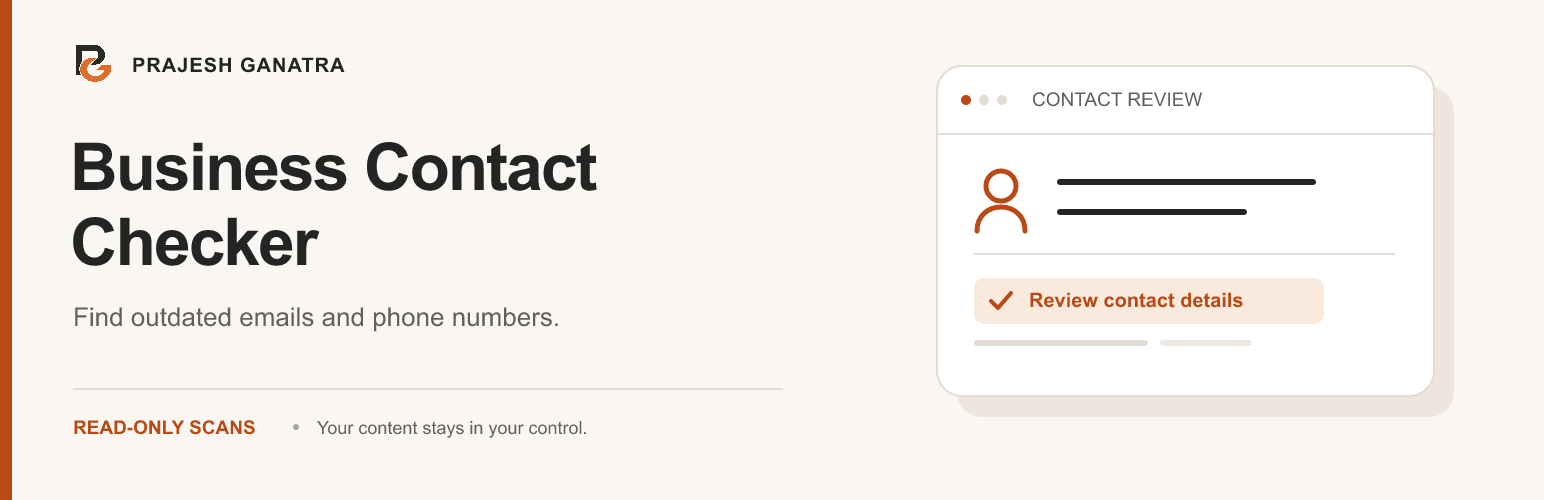
Find outdated email addresses and phone numbers in supported saved WordPress content. Review each finding and follow an editing link where available.
For business owners, editors and agencies maintaining WordPress websites.
A familiar problem
Built around the way
you manage content.
Your new phone number is on the contact page. An old number may still be in a post, a widget or a saved template. Review supported saved content from one place.
- Compare approved and known outdated contact details.
- Search and filter findings by contact or source.
- Scanning runs locally and does not change your content.
Getting started
A straightforward workflow.
- 01
Define your contact rules
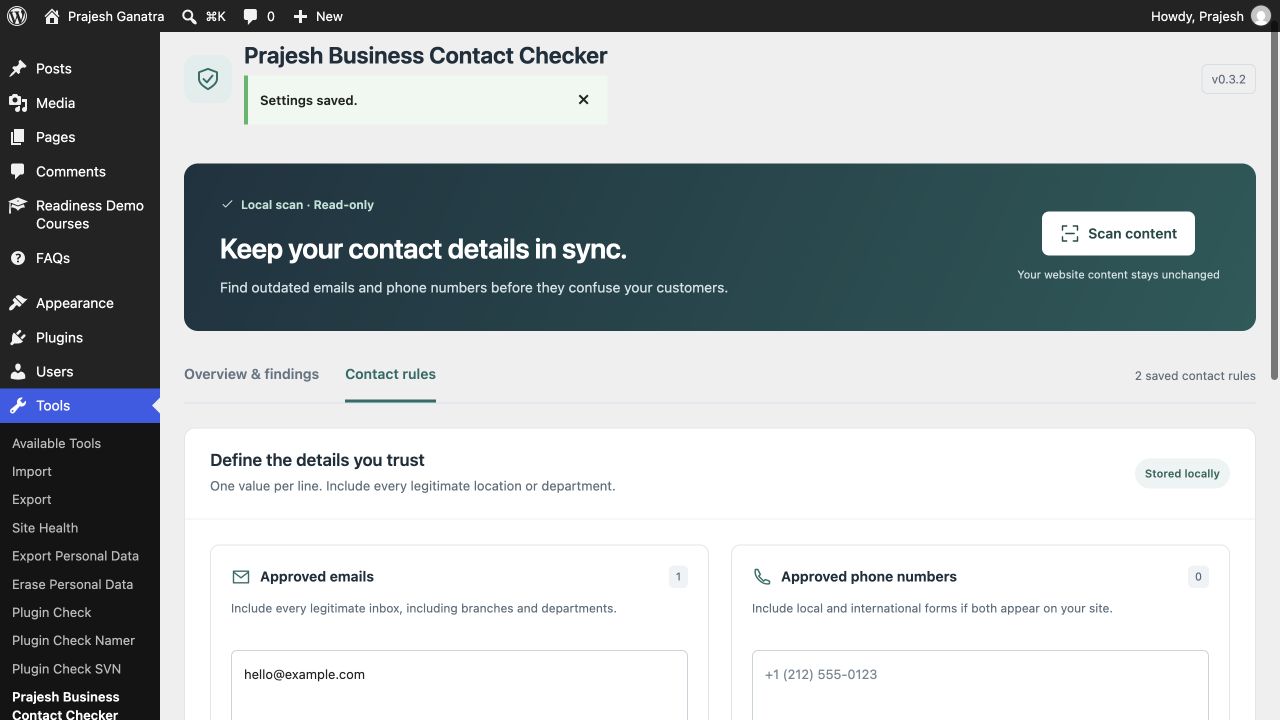
Add approved email addresses and phone numbers, together with any known outdated contacts. Include legitimate branch and department contacts.
- 02
Scan saved content
Run a local scan of supported published content, saved blocks and templates, active supported widgets, and the site administration email.
- 03
Review before making changes
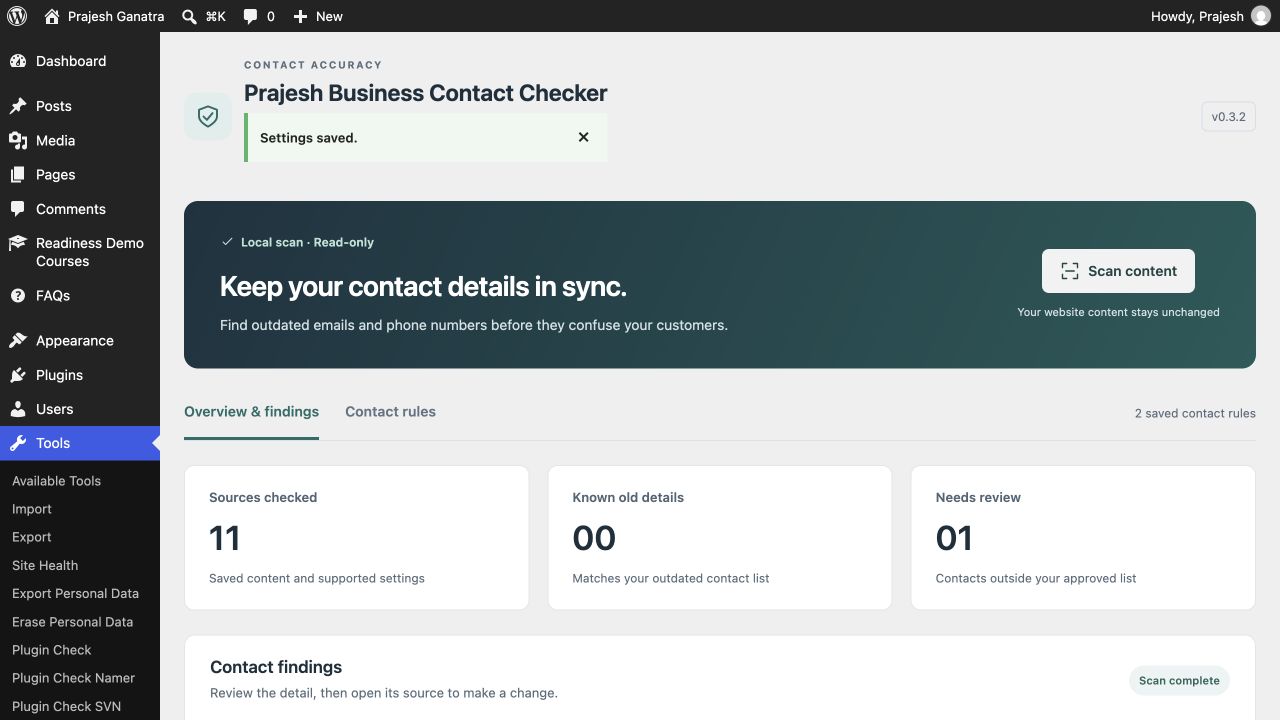
Separate known old details from contacts that need review. Open the source using an editing link where available, make your change and scan again.
Open Plugins → Add New Plugin, search for “Prajesh Business Contact Checker”, then install and activate it. Check the requirements above first.
Inside the plugin
See the tools you’ll use.
Before you install
A few useful answers.
Checks supported saved content, rather than every rendered page. It does not scan theme files, page-builder metadata, or external content.
Does the plugin automatically replace contact details?
No. Scans are read-only. You review findings and edit the source yourself, so a legitimate branch or department contact is not accidentally replaced.
What does it check?
It checks email addresses and possible phone numbers in supported saved WordPress content and selected settings. It does not verify addresses, opening hours, pricing or external business listings.
Will it find every contact on my website?
No. It does not crawl every rendered page or inspect theme files, page-builder metadata or form notification recipients. Review the scan coverage before relying on a report.
Is my content sent to another service?
No. The contact scan runs on your WordPress site and does not send content to an external scanning service.
Ready when you are
Make the next update easier.
Download the current release and find support on WordPress.org.
Requirements reflect the directory catalogue checked 16 November 2026. Check WordPress.org for the latest compatibility information.